There was a time when I thought becoming a better developer meant collecting more tools. I saved links, installed extensions, tried new frameworks, and filled my workspace with possibilities. It felt like preparation, but often it was only another form of delay.
Over time, I learned that a practical toolkit is not the biggest one. It is the one that helps me move from a question to a working result without making me think about the tools more than the problem.
Start with a clear place to think
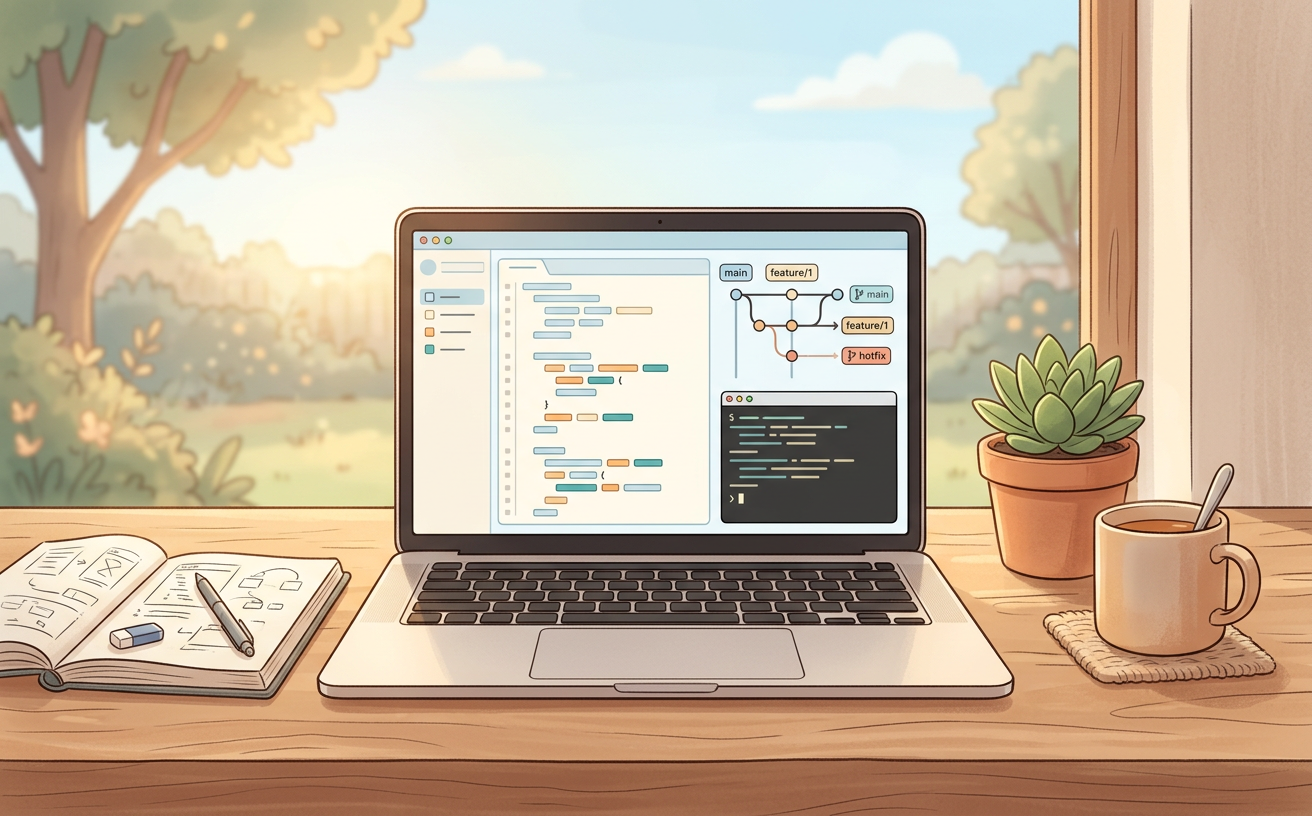
The first tool I reach for is a dependable editor. Not because one editor is perfect, but because familiarity protects attention. When the environment feels predictable, I can spend more energy understanding the problem instead of searching for the right setting.
I keep the setup small: readable formatting, useful shortcuts, a terminal close by, and only the extensions that solve a repeated problem. Every extra tool has a cost. It needs updates, configuration, and mental space. If I cannot explain why I use it, I probably do not need it yet.
Version control is a thinking tool
Git is not only a backup system. It is a way to make decisions visible. A small commit can capture a finished thought, and a branch can give an experiment room to exist without putting the stable version at risk.
git checkout -b feature/smaller-empty-state
git add .
git commit -m "Improve empty state guidance"
The commands are simple, but the habit matters. I try to commit around meaningful changes instead of waiting until the whole project becomes one tangled story. When something breaks, a clear history makes it easier to understand what changed and why.
Feedback should arrive early
A practical workflow creates small feedback loops. I run the page after a meaningful change, test the interaction I just touched, and look at it at the size where people will actually use it. I do not wait until the end to discover that the flow is confusing on a phone or impossible with a keyboard.
Feedback can come from a browser, a type checker, a teammate, or simply explaining the feature out loud. Each one reveals a different kind of problem. The goal is not to avoid mistakes; it is to make mistakes inexpensive to find.
Write decisions down
When a project is moving quickly, memory becomes unreliable. I write down why a decision was made, what it replaces, and what tradeoff it accepts. This can be a short note in the repository, a commit message, or a paragraph beside the code.
Decision: keep the first version server-rendered
Why: faster initial content and fewer client states
Tradeoff: richer interactions need a deliberate boundary
Documentation does not need to be formal to be useful. It only needs to preserve the context that future me—or another person—would otherwise have to reconstruct from scattered files.
Use tools with boundaries
I also try to give each tool a clear job. The editor is for shaping code. Version control is for recording change. The browser is for seeing behavior. Tests are for protecting assumptions. Notes are for preserving decisions. When one tool starts trying to do everything, the workflow becomes harder to reason about.
This is especially important when using AI tools. They can help explore an idea, explain an unfamiliar API, or create a first draft, but the final responsibility still belongs to the builder. I check the output, test the behavior, and keep only what I can understand and maintain.
A toolkit that grows slowly
The best tools often become invisible. A command I can run without thinking, a template that prevents a repeated mistake, or a checklist that catches a missing state before release—these small habits compound over time.
I add something new only when the current workflow has shown me a real gap. That keeps the toolkit connected to actual work instead of imagined productivity. It also gives every addition a chance to prove that it reduces friction.
My practical checklist
- Can I explain the problem before I choose a tool?
- Does this tool remove repeated effort or only create novelty?
- Can I see the result quickly after making a change?
- Is the decision recorded clearly enough to revisit later?
- Will another person be able to run, understand, and improve this?
- Am I keeping the setup simple enough to maintain?
A practical toolkit is not a collection of impressive software. It is a quiet support system for curiosity. It helps me begin, notice what is wrong, make the next change, and keep moving when the project becomes more complicated than I expected.
That is what I keep: a clear place to think, a reliable way to record progress, small loops for feedback, and enough written context to make the work feel shared. The rest can be learned when the problem asks for it.